What happened?
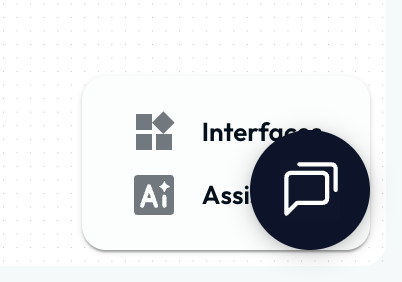
The support chat widget overlays other elements on the screen, blocking access/visibility.
Steps to reproduce:
-
Open the workflow editor.
-
Open the support chat widget.
-
Observe it covers other UI controls/content.
What did you expect?
The widget should not block key controls
Extra details:
Using Brave Browser V1.183.120, on macOS Tahoe 26.2